Key takeaways
Fill, sign, and submit new customer form from any browser — or have AI generate a custom version in seconds. No installs, no printing, no back-and-forth.
- The New Customer Form is a document used to collect essential details from businesses or individuals starting a new commercial relationship.
- New customers of a business complete this form to provide contact information and establish internal records for the provider.
- Required fields include the company name, billing and shipping addresses, phone numbers, email, and preferred payment methods.
- This document serves as an administrative tool for internal record-keeping and ensuring accurate communication between parties.
- The form features structured sections for company details and specific checkboxes for selecting a preferred method of payment.
- There is no official filing deadline or state-wide regulatory requirement specified for this business registration document.
What is new customer form?
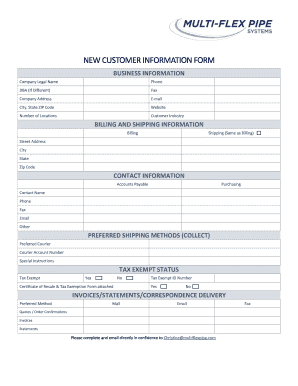
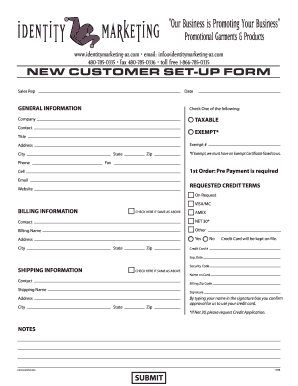
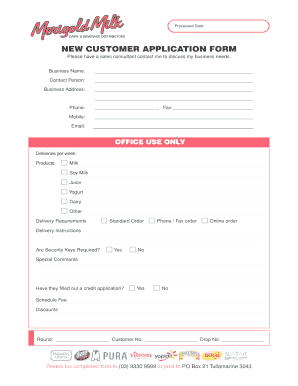
New Customer Form is a document used to collect essential details from individuals or entities establishing a fresh professional relationship with a company. This customer information form serves as a primary tool for business intake, allowing an organization to gather the necessary data for internal record-keeping and service provision. By standardizing the onboarding process, the document ensures that all relevant data points, such as legal company names and specific contact details, are captured accurately to support future interactions.
The document captures a wide range of data including billing and shipping addresses, telephone numbers, and email addresses to facilitate smooth communication and logistics. It also includes dedicated sections for identifying preferred payment methods and other specific operational preferences that guide how the business relationship functions. By completing this form, new clients provide the foundational information required to set up their accounts and ensure that all future transactions and correspondence are handled correctly.
This form is typically issued by the specific company or business entity requesting the customer's information.
Who needs the new customer form — and who doesn't
Not everyone files new customer form. The checklist below tells you whether it applies to your situation — and points you to the right alternative if it doesn't.
You need this new customer form if…
- you are a new customer initiating a professional relationship with a business.
- you must provide official billing and shipping addresses for your company.
- you need to register contact details and specify your preferred method of payment.
You do not need this new customer form if…
- you already have an active account with the business and your information has not changed.
Why you need the new customer form
Why people fill out new customer form, and what tends to go wrong when they don't.
-
Formalize New Partnerships Submitting this form is the primary way to initiate a professional relationship. It allows a business to capture your essential details and preferences to begin providing goods or services immediately.
-
Ensure Billing Accuracy By detailing your specific billing and shipping addresses, you ensure that future invoices and deliveries are routed correctly. Providing preferred payment methods helps streamline financial transactions from the very start.
-
Efficient Record Keeping This form serves as a centralized record for internal administration. It organizes company names, contact emails, and phone numbers, making it easier for the business to manage your account details.
-
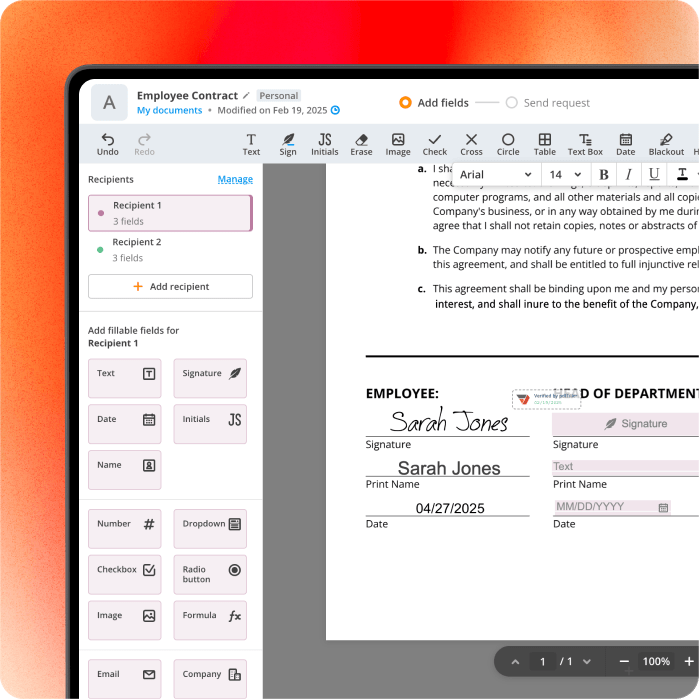
Secure Digital Management Use pdfFiller to fill, edit, and share this form digitally. pdfFiller is an online platform for managing documents that keeps your finished files in secure encrypted storage for easy future access.
What each section of new customer form means
Every section explained — what it's asking, the records you'll need on hand, and the mistakes that most often cause a rejection or follow-up request.
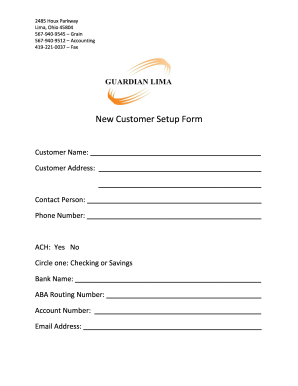
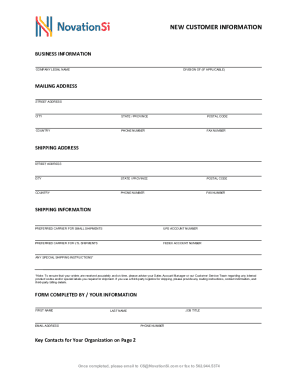
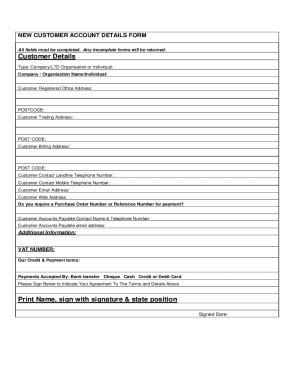
| Customer Information Details | Provide the company name, contact phone numbers, and email address. Enter complete billing and shipping addresses, select a payment method, and fill out all required checkboxes. |
|---|
How to fill out new customer form using pdfFiller
A walkthrough from the first field to the signature line. With your records in front of you, most people finish in under ten minutes.
-
Open the Form Click Get Form to open New Customer Form in the pdfFiller editor to begin your business registration form pdf or vendor registration form workflow in a secure online environment.
-
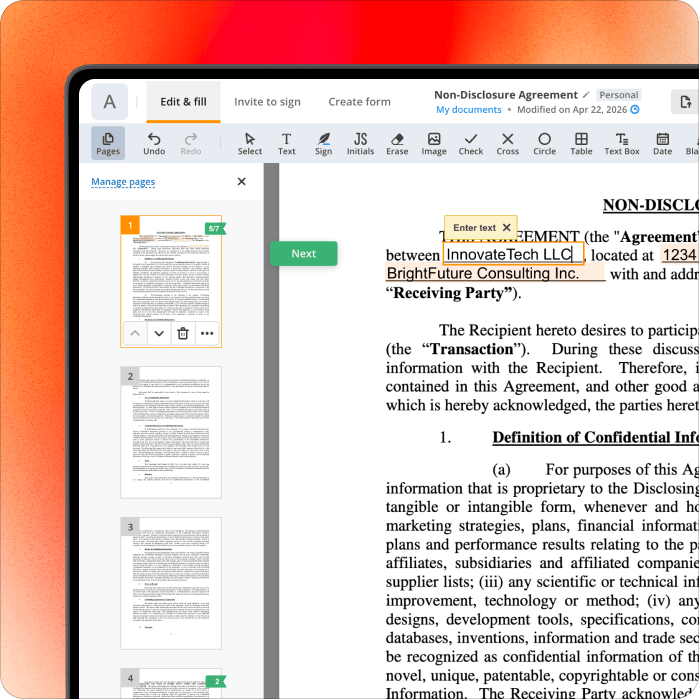
Enter Company Details Click on the designated company name field within the Customer Information section and type the official name of your business to ensure accurate internal record-keeping and account setup.
-
Provide Address Information Navigate to the billing and shipping address input fields to enter your complete street address, city, state, and zip code to facilitate proper delivery and correspondence for your account.
-
Add Contact Details Select the phone number and email address fields to provide your direct contact information, allowing the company to reach out regarding your new business relationship or order status.
-
Select Payment Method Use the interactive checkboxes to indicate your preferred payment method, ensuring your financial preferences are clearly captured within the business registration form pdf for future transactions.
-
Complete Additional Fields Fill out any other labeled input fields or checkboxes as prompted by the form instructions to provide a comprehensive profile of your business and its specific operational requirements.
-
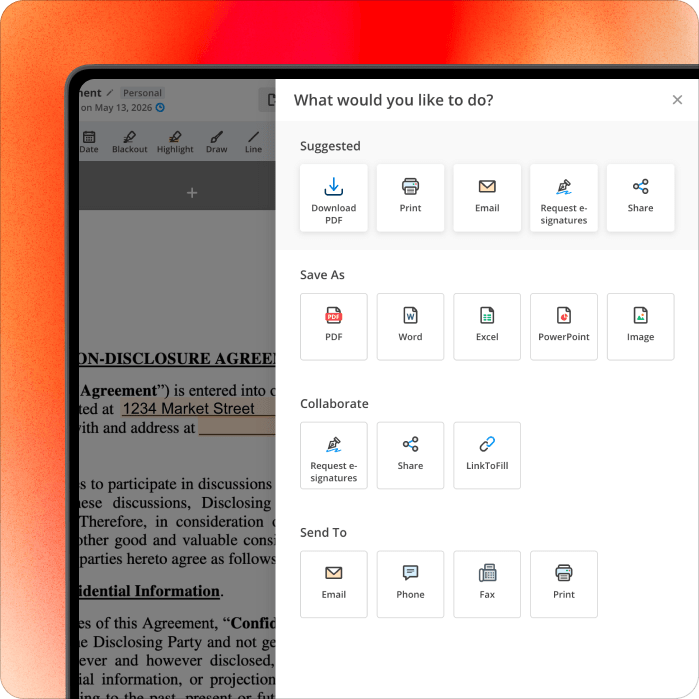
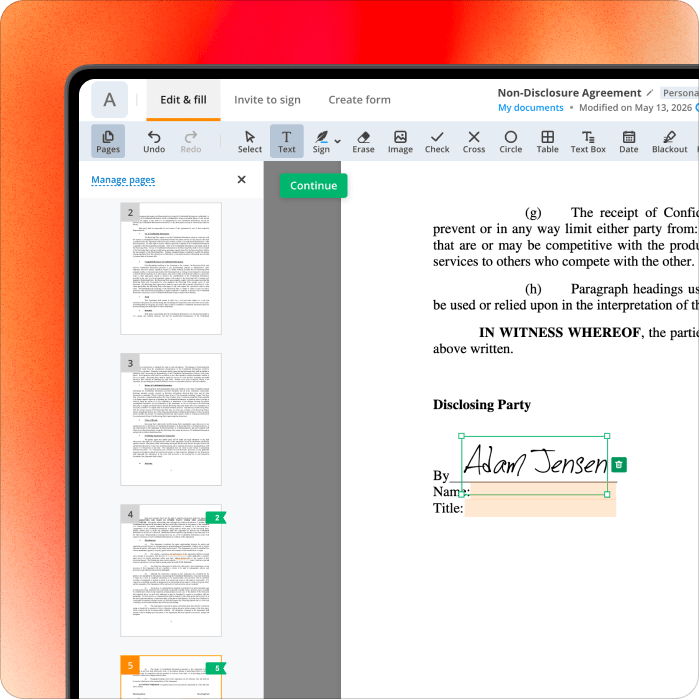
Review and Save Carefully check all entered data for accuracy before clicking the Done button to save your completed vendor registration form and download the finished PDF directly to your local device.
-
Manage Your Document Utilize pdfFiller to share your finalized document via email or a secure link, or take advantage of encrypted storage to keep your business records safe and easily accessible.
Key terms used in new customer form
A one-sentence glossary of the new customer form terms and concepts you'll see throughout this guide.
- Company Name
- The legal name of the business entity establishing a new account or relationship with a service provider.
- Billing Address
- The specific location where the business receives invoices, statements, and other financial correspondence for their account.
- Shipping Address
- The physical destination where products or tangible goods should be delivered to the customer.
- Preferred Payment Method
- The customer's chosen way to pay for goods or services, such as credit card, check, or electronic transfer.
- Vendor Registration
- The formal process of collecting business details to list a new entity in a company's internal database.
Frequently asked questions about new customer form
Quick answers to the questions we hear most often about completing the new customer form.
The New Customer Form is used to collect essential company details, contact information, and payment preferences from a new client. It serves to establish a formal business relationship and ensures that internal records are accurate for billing and communication. By gathering these details upfront, a company can streamline its onboarding process and ensure service delivery is handled efficiently.
New customers or clients initiating a relationship with a business must complete this form to provide their organizational details. This typically includes any entity or individual who intends to purchase goods or services and needs to be registered in the provider's system. Completing the form helps the business set up the customer's account correctly from the start of the engagement.
This form captures the company name, billing and shipping addresses, phone numbers, email addresses, and preferred payment methods. It also includes specific labeled input fields and checkboxes to specify service requirements or contact preferences. Having all this information in one document allows for consistent record-keeping and reduces the likelihood of errors during the billing or shipping process.
Yes, you can complete and manage the New Customer Form online using pdfFiller's digital tools. The platform allows you to fill and edit the document directly in your web browser without needing to print a physical copy. Once you have finished entering the required information, you can easily save or download the finished PDF or share it with the business via a link or email.
There is no universal filing deadline for this business contact form, as it is generally submitted at the beginning of a new business relationship. The timing depends entirely on the internal policies of the company requesting the information. Usually, the form must be processed before any orders are fulfilled or services are rendered to ensure that the account is properly established.